Make every booking count.
Capture your guests’ emails through the WiFi.
Imagine every guest who walks through your door handing you their email. Not just the one who booked: the whole family. Ask for a name, a phone, anything you like; it’s your form. Then bring them back direct, with no platform fee.
$9/month per propertyUnlimited contacts
You’re leaving money on the table. Seriously.
−$150/booking
That’s the ~15% Airbnb fee on a $1,000 stay, every time a past guest rebooks you through the platform. Every year. Forever.
Now imagine 40 bookings a year: that’s $6,000 in fees. Think again.
- They loved your place. They came back. They booked through Airbnb again.
- You paid the fee again. They paid the service fee again. Same house, same family, platform paid twice.
- With their email you write first: “Book direct, 10% off.” Fee gone. Platform out of the middle.
- Now you keep the $150 on every repeat stay, they save theirs, and your list grows with every family who walks in.
Built by a host, for hosts.
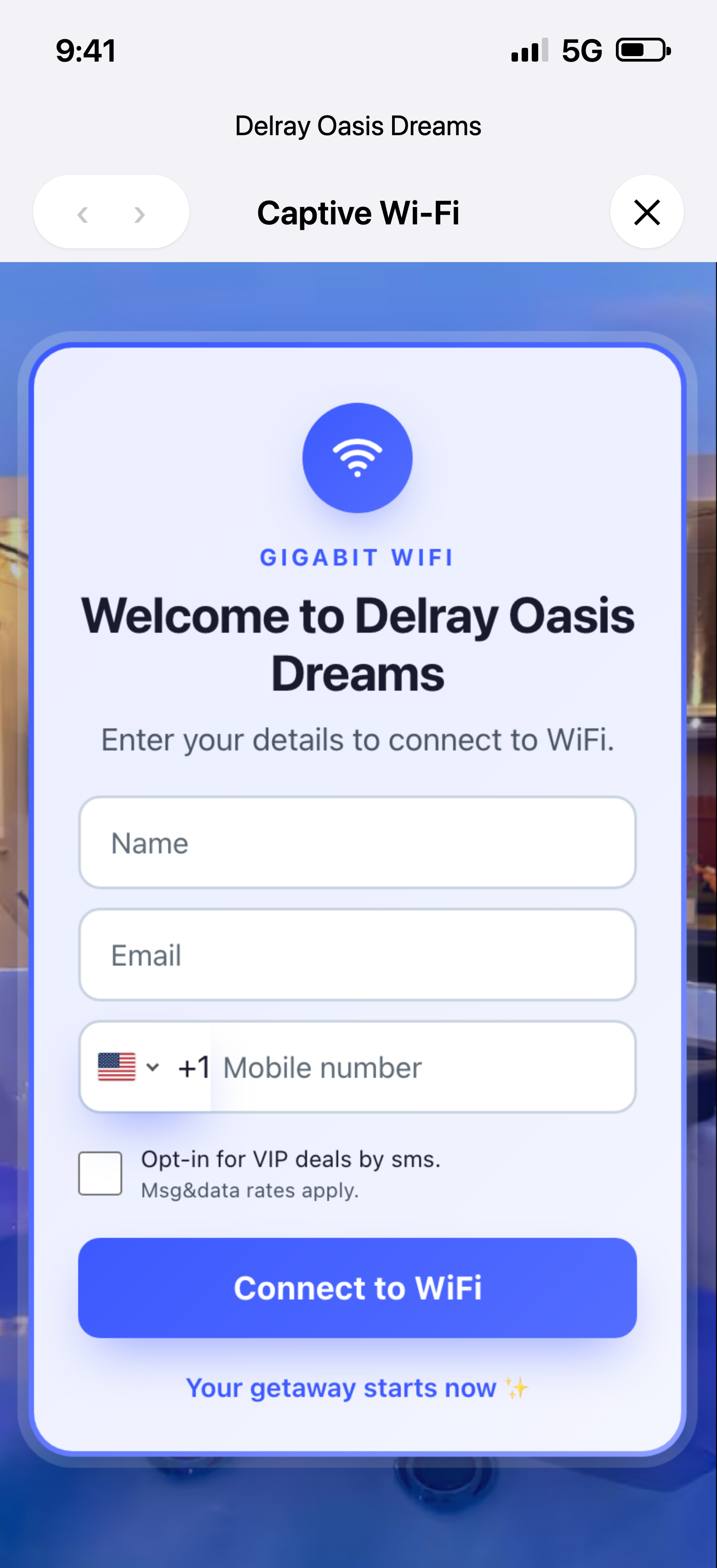
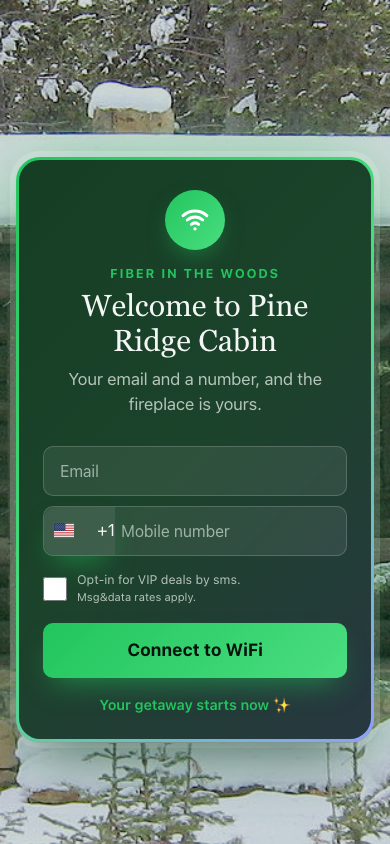
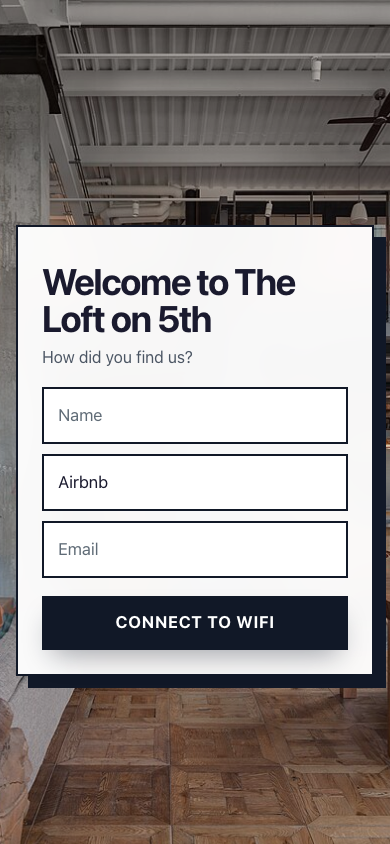
I run short-term rentals in Delray Beach, Florida. I built this for my own house first because I was tired of paying the fee twice for the same family. The page you see on the phone up there is the one my guests see today. If it works for you too, great. If not, tell me why, and I’ll fix it.
— Alex, Delray Beach
Turn your WiFi into a five-star amenity.
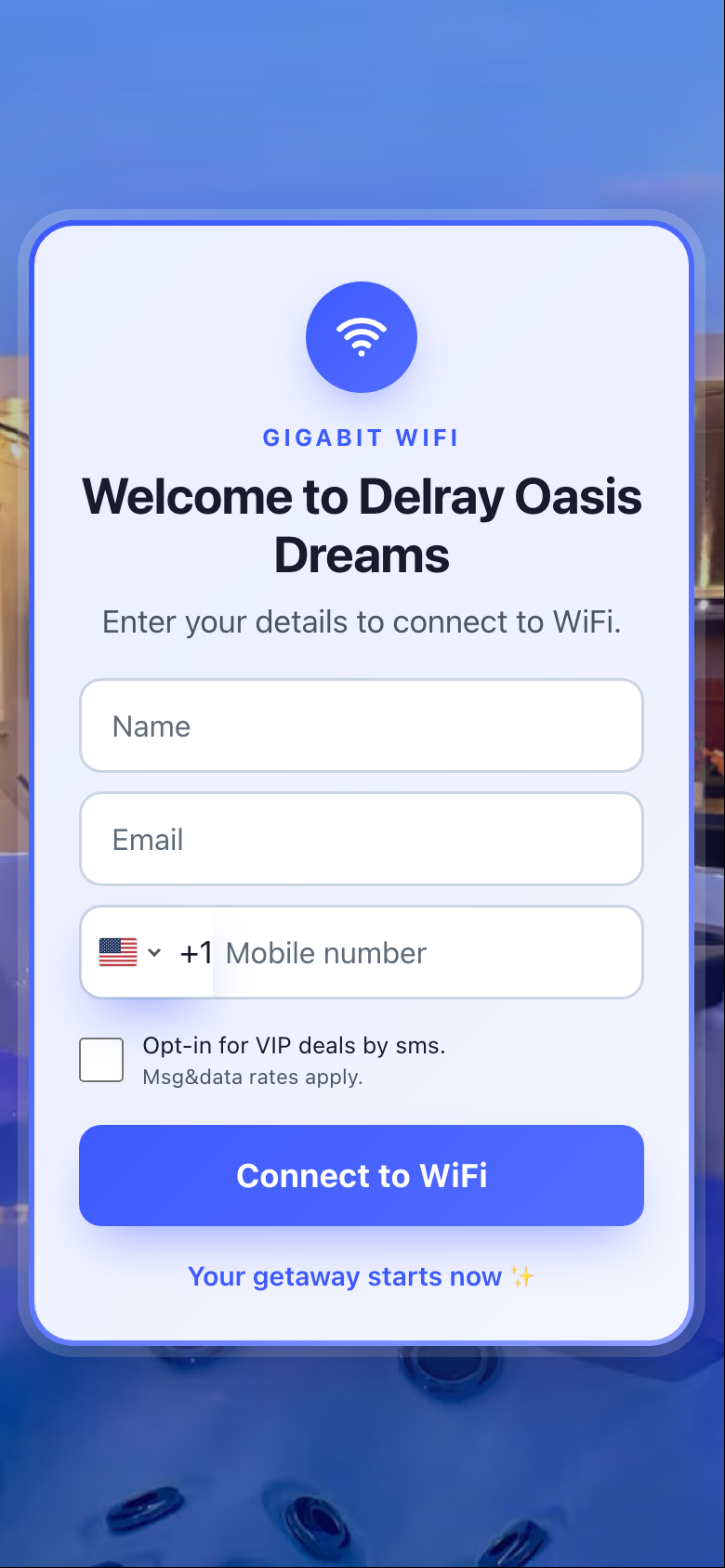
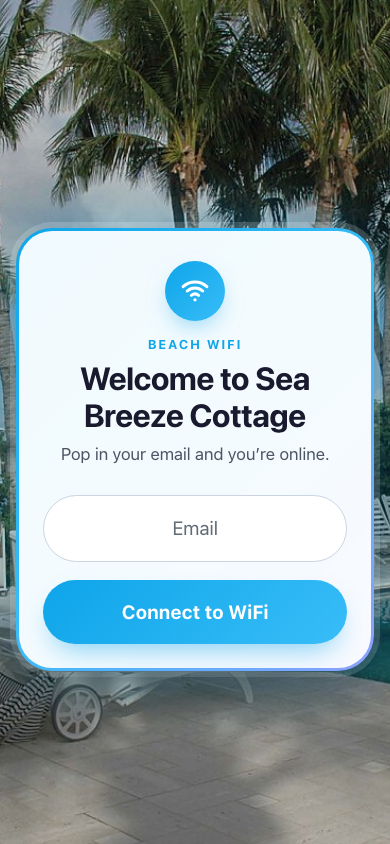
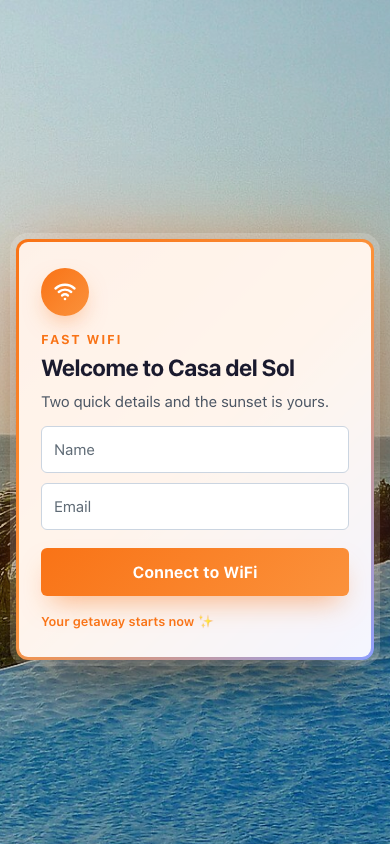
Gigabit. Fiber. High-speed. Say it proud, on a welcome page that looks like your listing, not like a router. “The password is on the fridge” becomes the first wow of the stay. Start from a template, drop in your photo and your words, or build your own.
How it works
No installer, no new router, nothing for the guest to download.
- 1You buy the access pointA TP-Link Omada access point, like the EAP720: a flat white disc, about $100 on Amazon. Plug it in and connect it to your router. Your regular WiFi stays as it is.
- 2You design it in the appPick a template, add your photo, your name, your colors and the fields you want to ask. No network settings anywhere.
- 3Guests connect, you collectName, email and phone from every guest, not just the one who booked. Export anytime.
Which one to buy
Most TP-Link Omada access points work. Here are some good options:
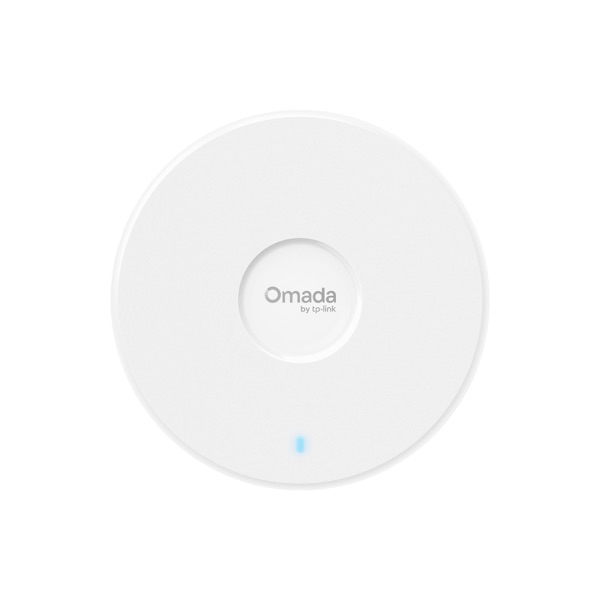 Ceiling · WiFi 7EAP720Comes with its power adapter. Fits most homes.View price on Amazon →
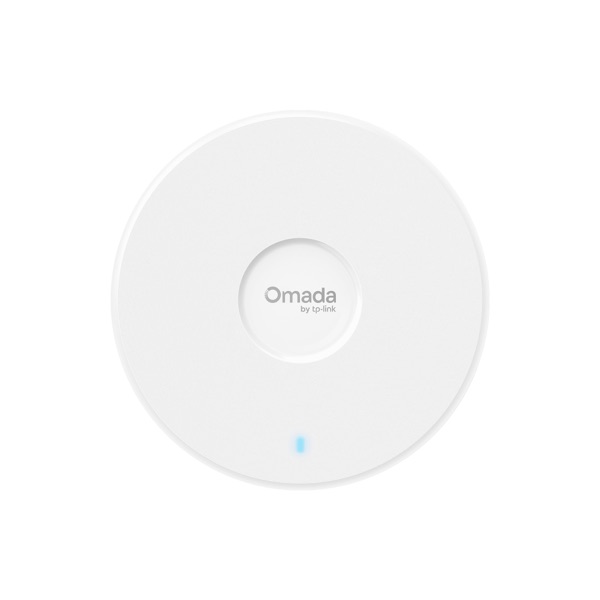 Ceiling · WiFi 7EAP723Same WiFi 7 speed as the EAP720, without the power adapter in the box.View price on Amazon →
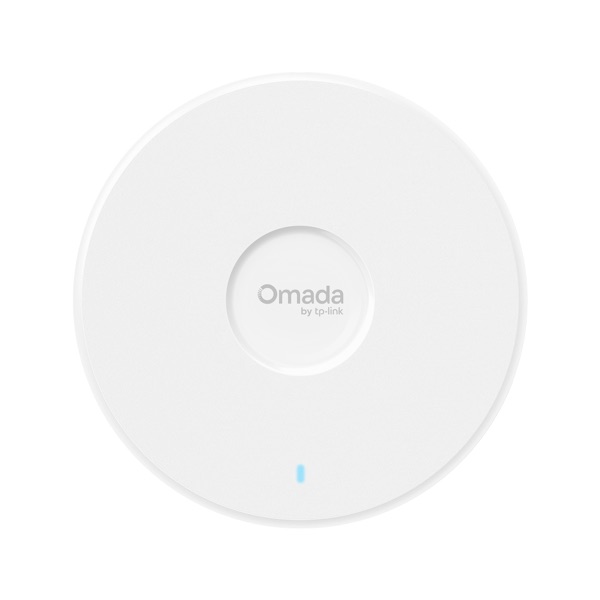 Ceiling · WiFi 7EAP772Faster WiFi 7, for large homes.View price on Amazon →
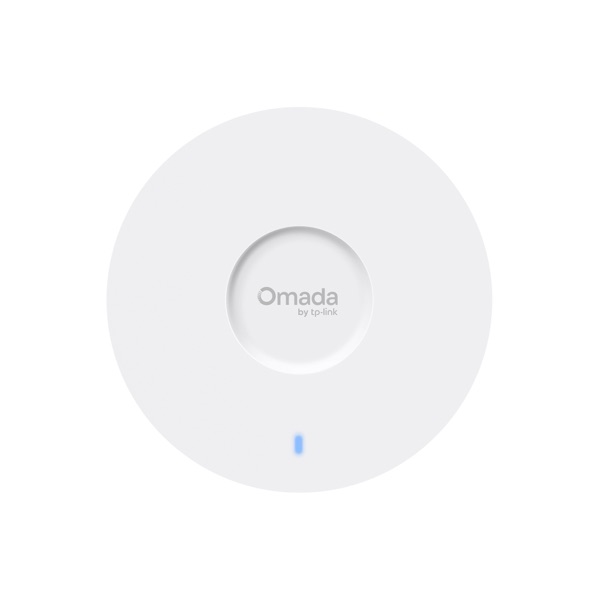 Ceiling · WiFi 6EAP650Slim and fast WiFi 6.View price on Amazon →
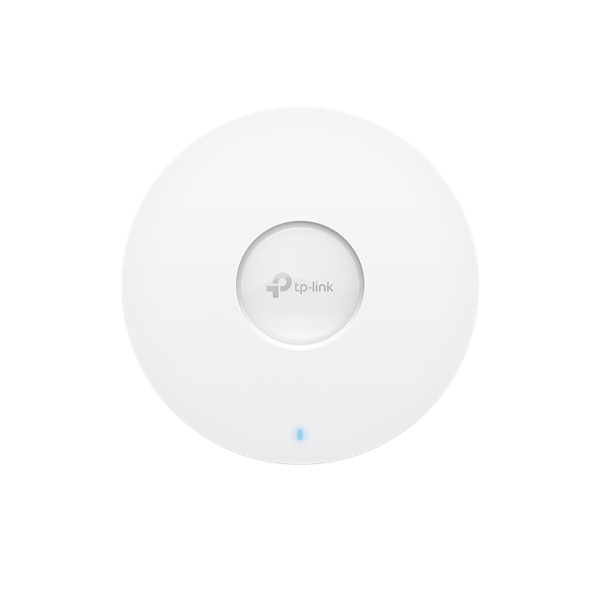 Ceiling · WiFi 6EAP610WiFi 6 at a lower price.View price on Amazon →
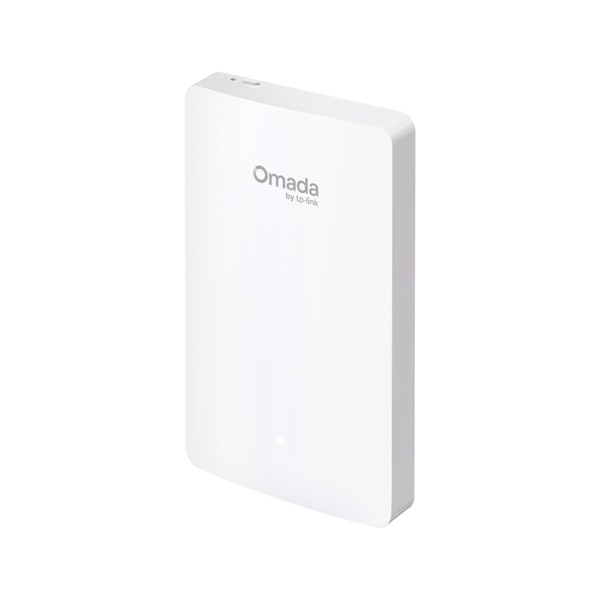 Wall plate · WiFi 6EAP615-WallMounts over a network wall jack. Good for condos.View price on Amazon →
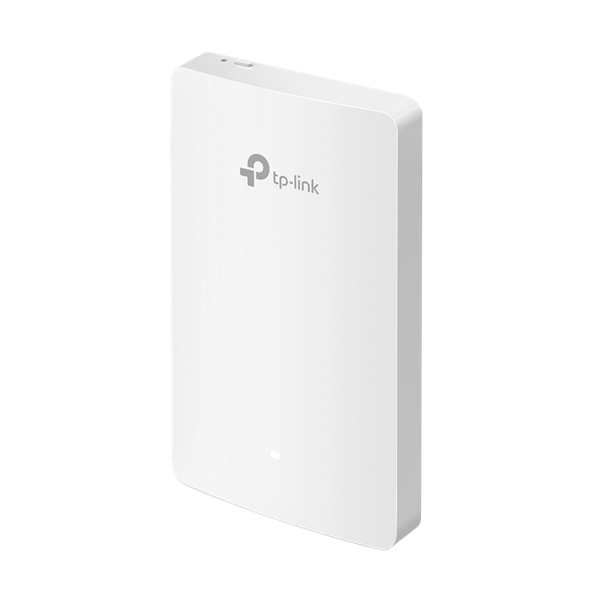 Wall plate · WiFi 5EAP235-WallOlder wall plate, lower price.View price on Amazon →
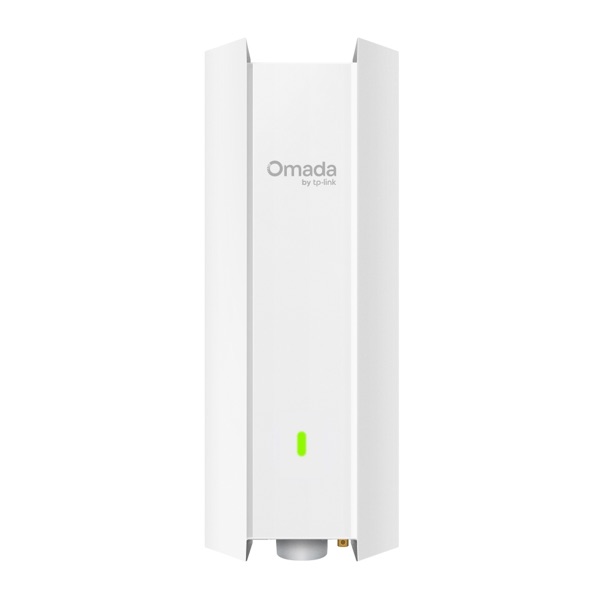 Outdoor · WiFi 6EAP650-OutdoorFor the pool, patio or backyard.View price on Amazon →
The EAP720 comes with its power adapter. Most other models take power through the network cable (PoE) and may need a small PoE injector; the Amazon listing shows what’s in the box.
We capture. You send.
We’re not another email-marketing suite. We don’t send your emails, so we never charge you per contact.
One CSV. Any tool. Your list.
- Guests connectEach one leaves a name and email to get online.
- Your list growsExport it to CSV in one click, whenever you want.
- You send from the tool you likeMailchimpMailerLiteBrevoGMassConstant ContactMailchimp, MailerLite and Brevo have free plans for a few hundred contacts. GMass sends from your own Gmail.
Now put that money back in your pocket.
Same guests, same house, but this time you have their emails. Some come back and book direct, and the fee stays with you. Put in your numbers and see how much that is in a year.
Fine-tune
One job, done well. For $9.
- Capture every guest’s name, email and phone through your WiFi
- Your welcome page: your photo, your colors, your questions
- Unlimited contacts, forever
- One-click CSV export, your data is yours
- We’re not a CRM or an email-marketing suite
- We don’t send your campaigns; Mailchimp, MailerLite or GMass do that for free
- We don’t sell you hardware; your TP-Link Omada access point from Amazon is yours
- No contact caps, no setup fee
Other WiFi tools vs. Comeback WiFi
Your list grows. Your price doesn’t.
Same setup on both sides. Other WiFi tools charge more as your list grows. The first year includes the hardware.
Slide these. Your price stays flat; theirs grows.
Simple pricing
$9/month per property
+$4/month for each extra access point in the same property. Managing more? $7 per property from 10 properties, $5 from 25. Unlimited contacts. Cancel anytime.
Questions hosts ask
Which access point do I need?
A TP-Link Omada access point (EAP series), about $100 on Amazon. It’s a flat white disc you put on a shelf or the ceiling. It puts out the guest WiFi and shows your welcome page. Most homes need one; a large or two-story house may need two. Other brands aren’t supported yet.
Do I need to replace my router?
No. The access point plugs into your current router. Your own WiFi keeps working exactly as it does today.
What if the access point fails?
Guests use your regular WiFi, same as before. Nothing else in the house depends on it.
Will neighbors steal my internet?
The welcome page is the lock. The guest network is isolated from your devices and speed-limited, so even a nosy neighbor can’t do much with it.
Can guests skip the form?
No. The form is the WiFi key, like at a hotel. Guests are used to it, and it takes seconds.
Can I text my guests?
We collect the phone number and an SMS opt-in. Texting itself comes later, with proper consent handling. Email first.
Join the waitlist
Early access opens November 2026. Leave your email and you’ll be first to know, and first in line.
P.S. If you scrolled all the way down here, you’re exactly the host I built this for. Put your email in the box above. I’ll write to you myself, not a robot, and I’ll ask what you need before I build it.